
Photos

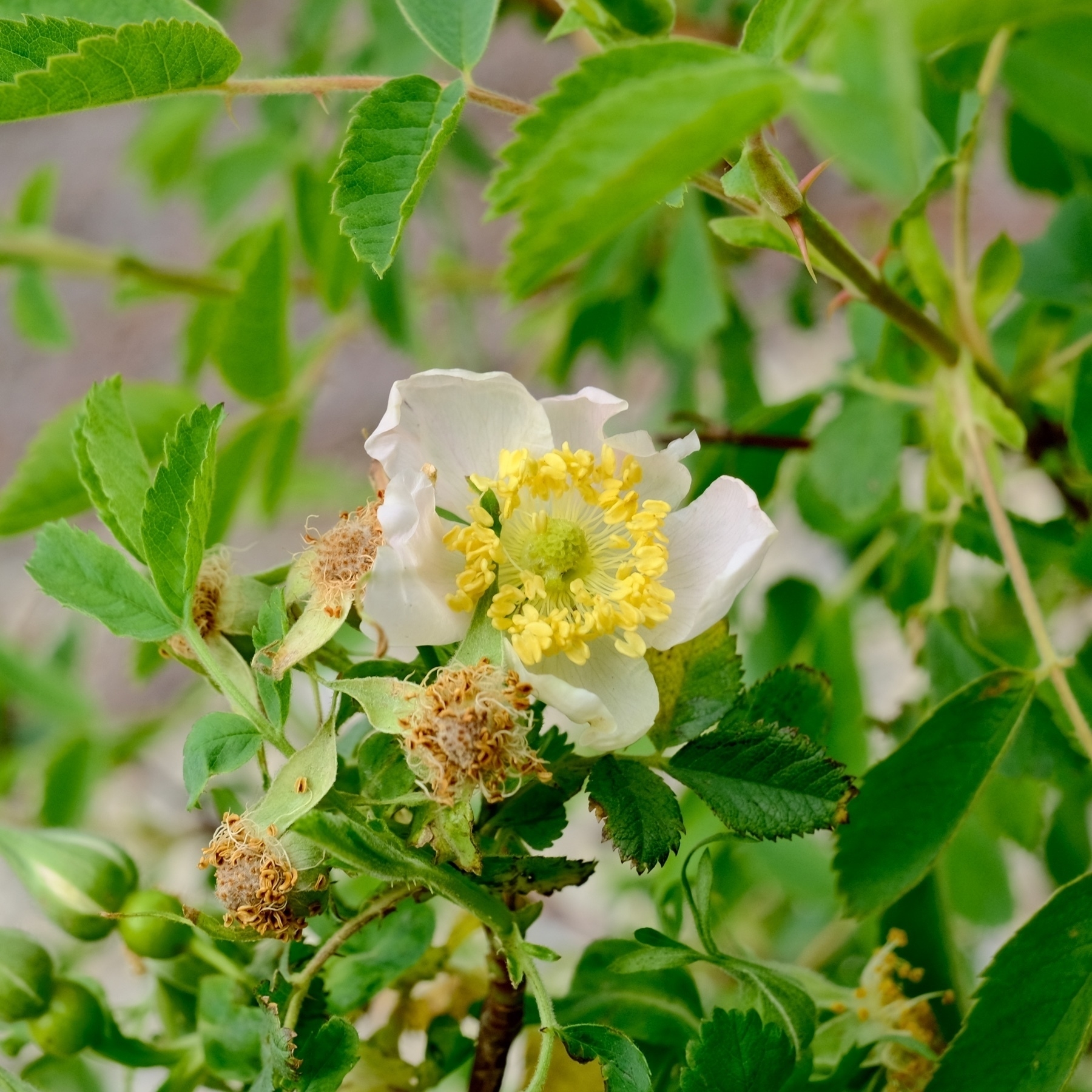
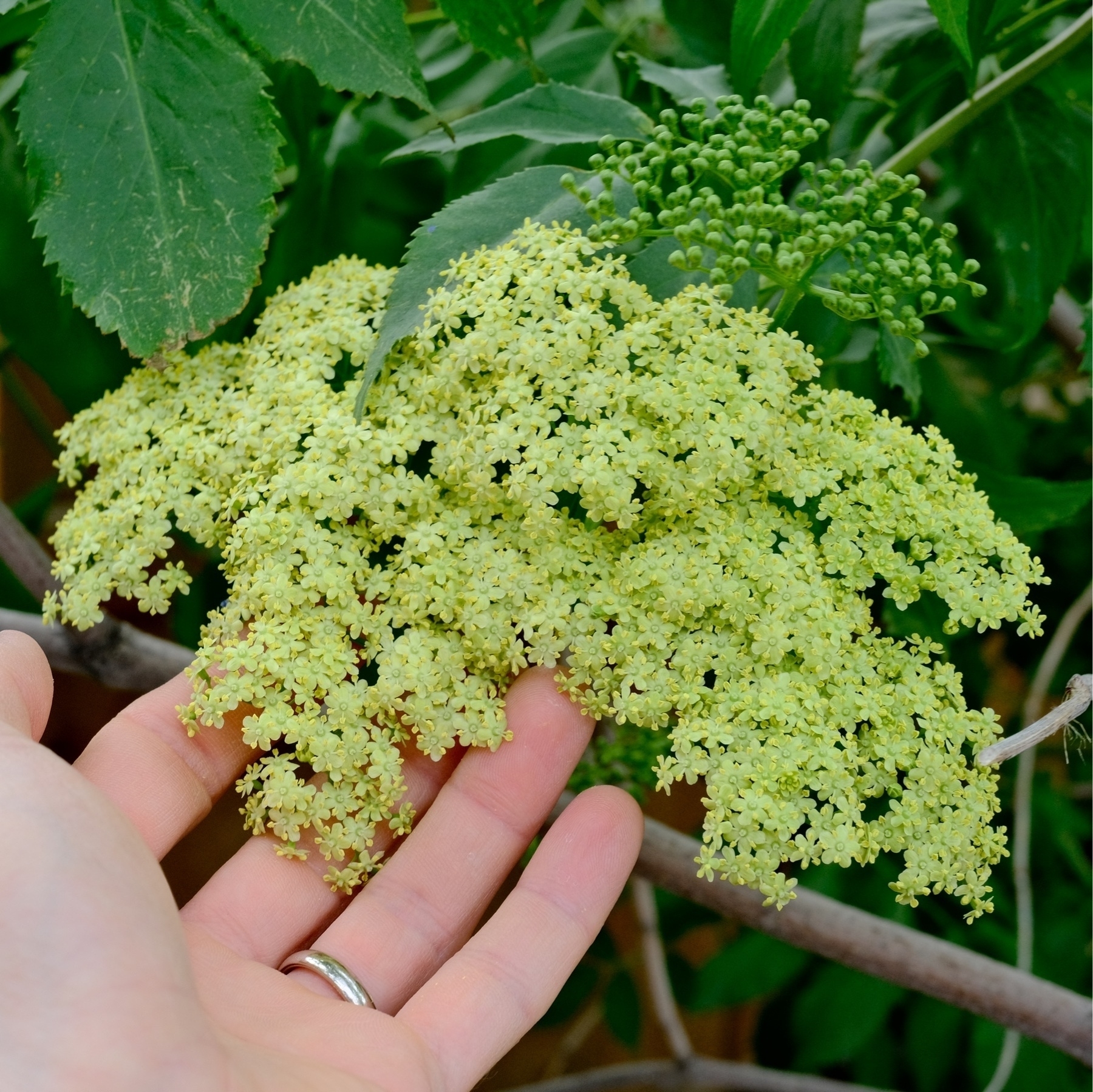
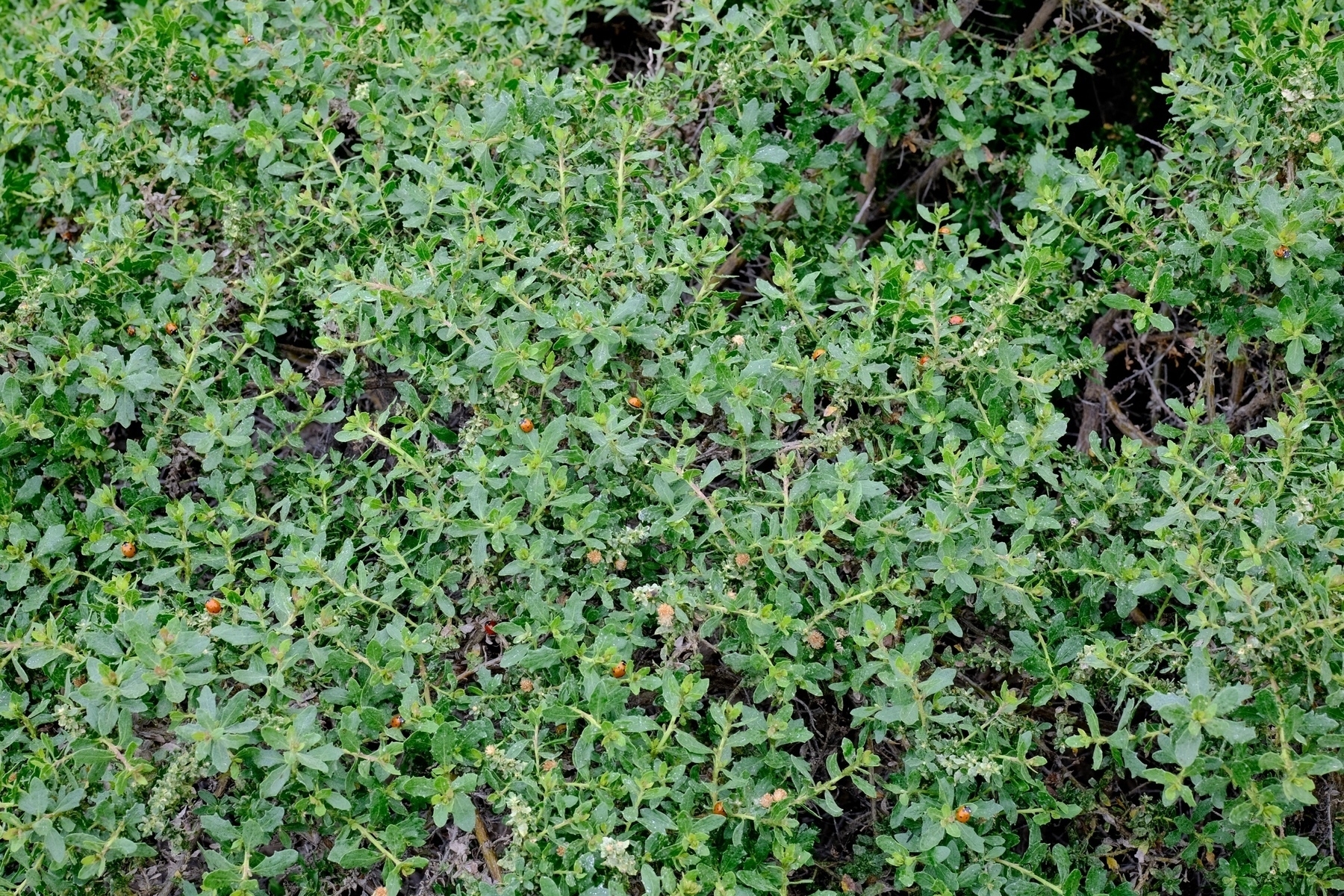
Now in bloom in our backyard: cultivated California Wild Roses (pic 1) and Elderberry (2). Still gorging themselves: ladybugs. Everywhere in our front yard. They’re just decimating aphids. Ladybugs particularly love coyote bush (3) and sage.
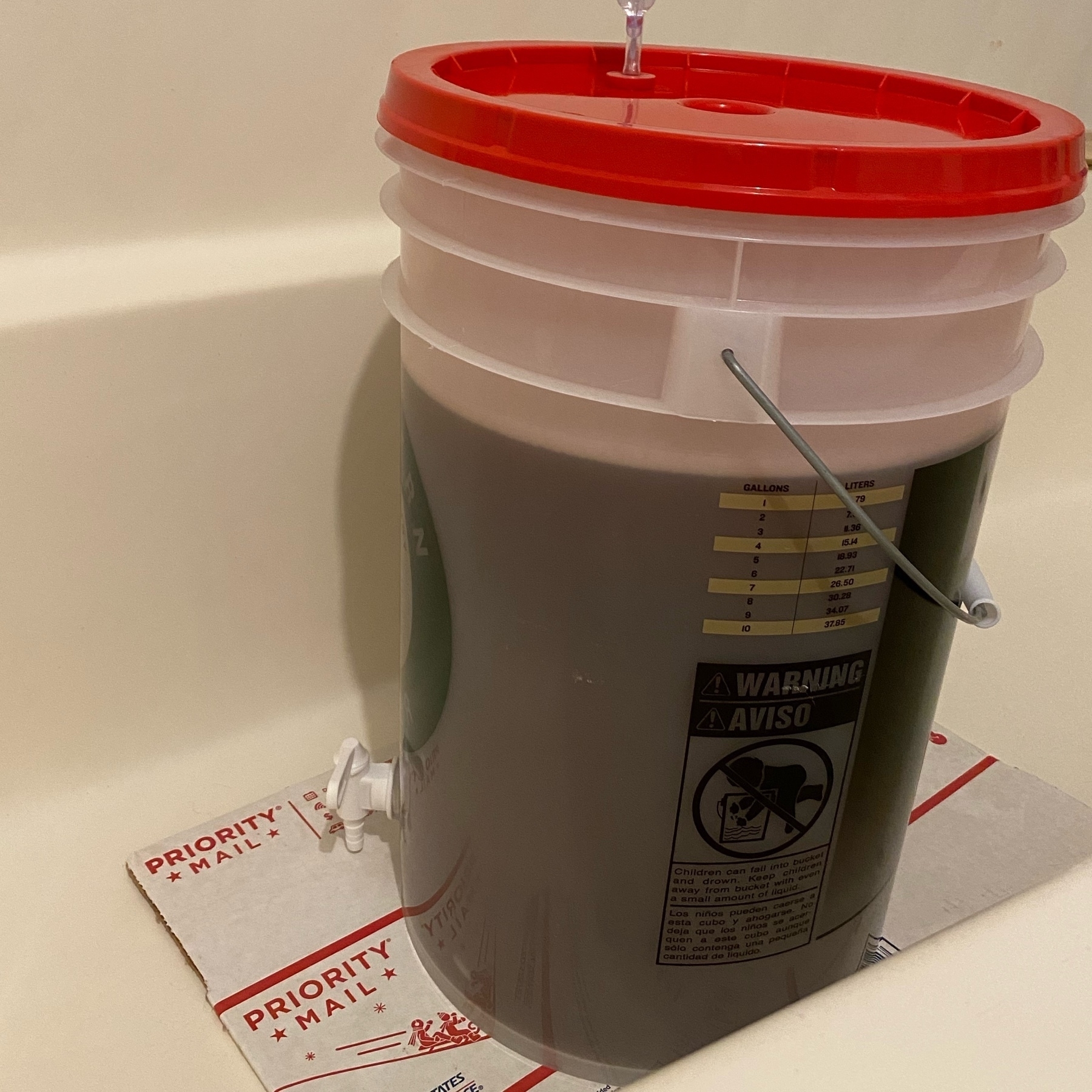
Here goes my second brew - a simple Bavarian Hefeweizen. With way warmer than normal temperatures I figure our house will be close to or within the ideal fermentation temperature range. 🤞
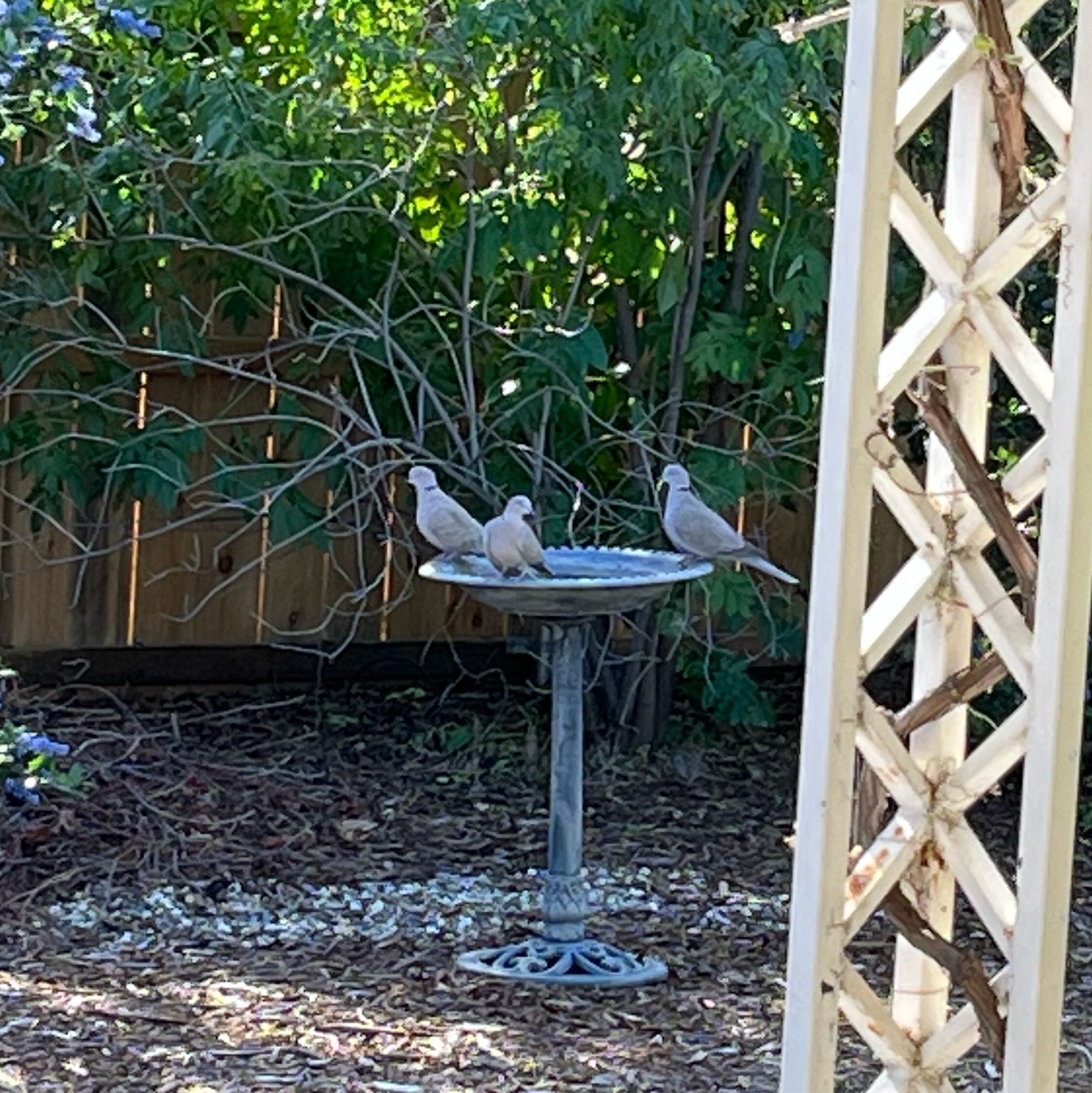
Eurasian Collared Dove drinking party.
Potatoe croquettes for lunch today. Great use of leftover mashed potatoes.

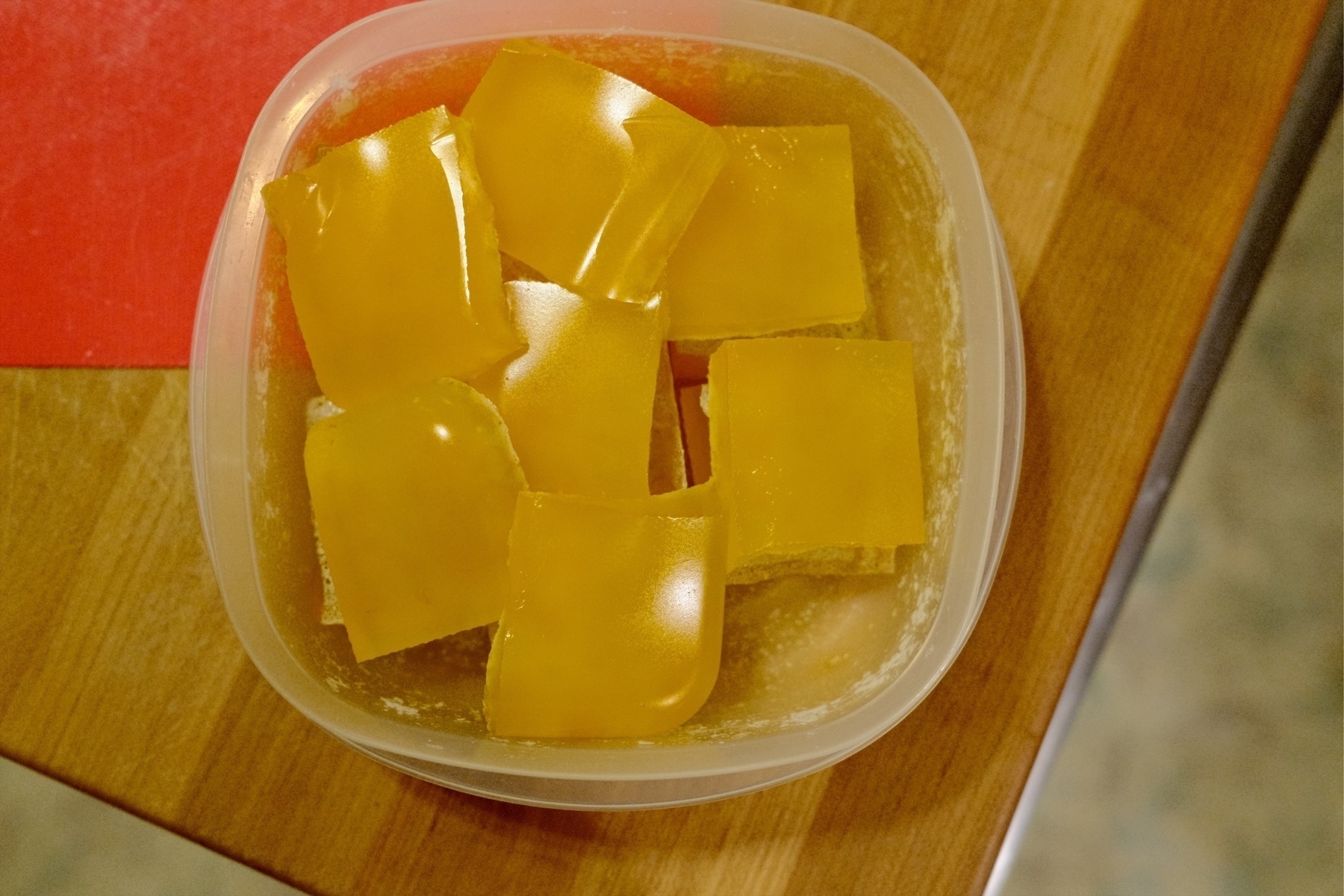
Citrus gummies are a great way to use backyard citrus. We made Meyer lemon with Valencia orange gummies. An Alton Brown recipe. We’ve frozen our remaining Meyer lemon juice. Our citrus season is now over.
macOS Shortcuts, Logger for Shortcuts, Shortcuts Temporary Files, and Hazel
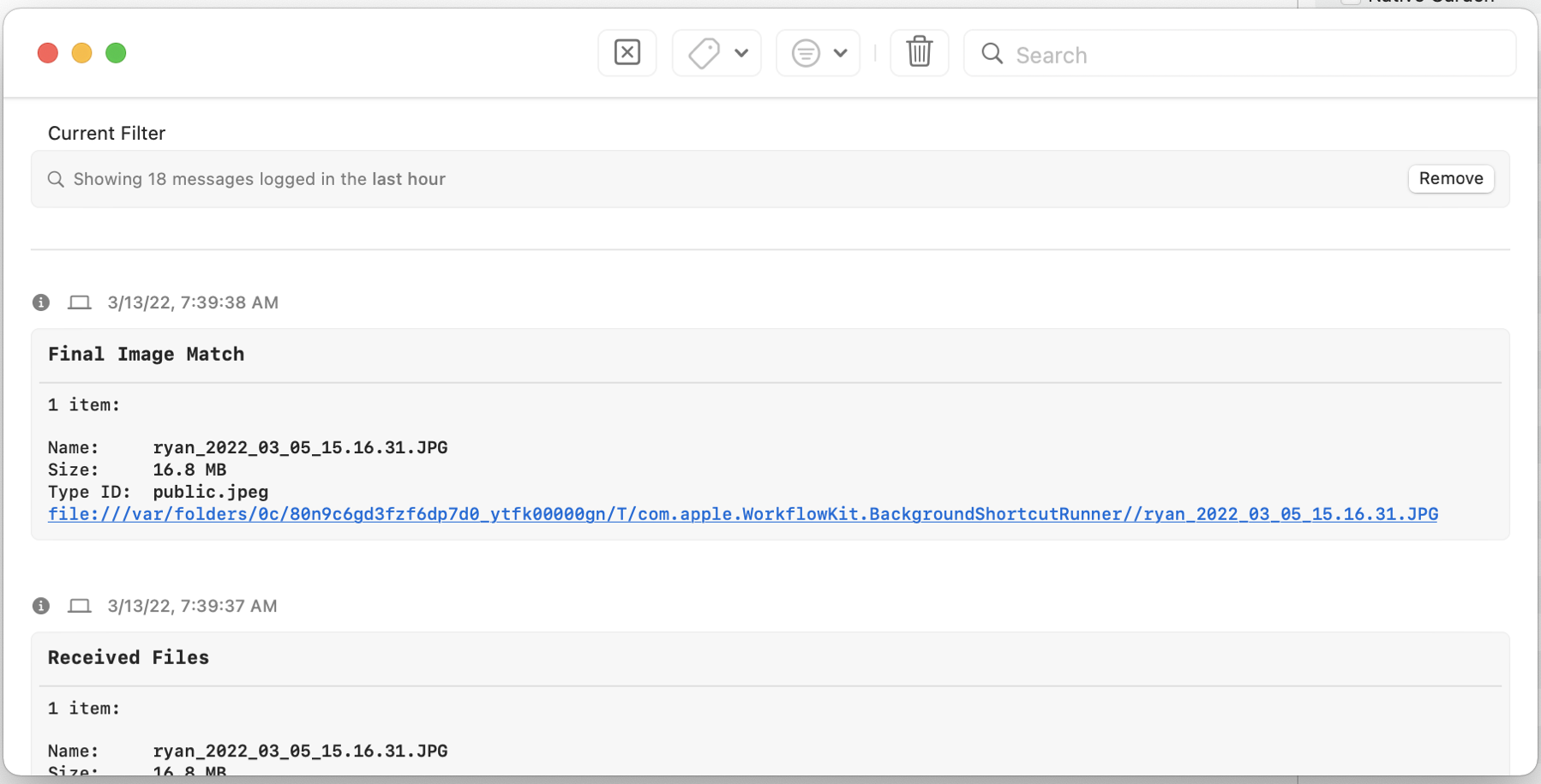
Logger for Shortcuts provided me exactly the information to figure out how to get Hazel to properly use a Shortcut against a file. Now I can have Hazel run a specific Shortcut against a file whenever a new file shows up.
Background: for some reason when Hazel starts a Shortcut, the Shortcut operates on a copy of the file in a temporary folder. My programmer brain assumed that the Shortcut Input would be immutable. Nope. Turns out Shortcut Input is a temporary file that all Shortcut operations (like exiftool) must then run against. So while you think you’ve been working on a specific file in a specific folder, Shortcuts has been working on a copy of it all along in a temporary folder. Thus you must output the Shortcut Input to provide the file you’ve been modifying (in this case with exiftool). It’s very frustrating for Shortcuts to override paths with its own temporary paths but thanks to Logger for Shortcuts I quickly figured out this vexing issue. Already the app is worth $9.99 because now I’ve got the time saving Hazel ruleset I always wanted.
Here’s the Hazel embedded Apple Script I have to run to make a Shortcut with a file output (Shortcut Input (gah)) to work. I suppose now that I’ve fixed the Shortcuts issue this could now be more simply done… but it works (I’ve never had any success with running Hazel’s built in Shortcuts capability and right now it can’t even list the available Shortcuts):
do shell script “shortcuts run ’Shortcut Name Modified for use with Hazel’ -i ” & quoted form of POSIX path of theFile & “ -o ” & quoted form of POSIX path of theFile
Logger for Shortcuts output clearly showing me the ridiculous temporary folder Shortcuts is using to work on Shortcut Input:
From last Monday near Tomales Point in beautiful California, a genus Arctia moth caterpillar on lupins.

From last Monday, a very loud acorn woodpecker at the Point Reyes National seashore visitor center.

From last Monday, the Pacific Ocean and Tonalite rock at Tomales Point.